Download Hula-Hula
|
Step1: | Download Hula-Hula |
|
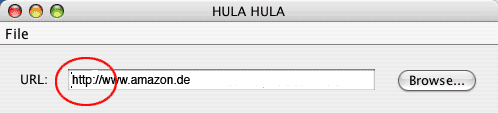
Step2a: | Enter an URL in the URL textfield. Make sure that a protocol is set. (E.g. http://) |
|
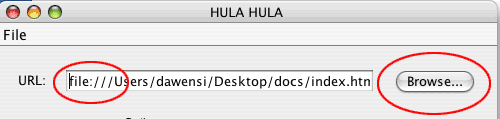
Step2b: | To check a local site use the browse-button to choose one. Make sure that file:// (for windows) or file:/// for (Mac) is set at the beginning of the path . |
|
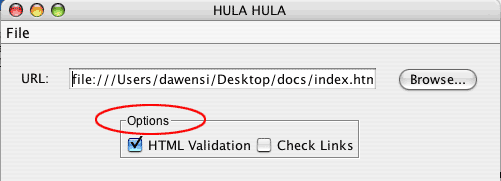
Step3: | Select the action(s) which should be done in the options menue. |
|
Step4: | Click the start button |
|
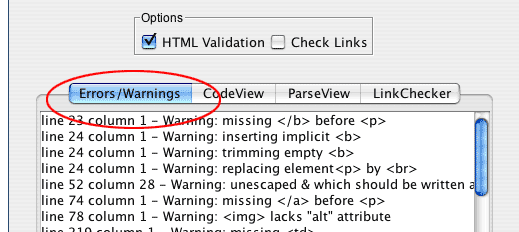
Step5: | To see the results click on the window tabs. They will be shown at the display. |
|
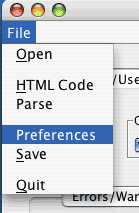
Note: | For further settings choose Preferences in the file menue. |